

Modern UI in Access: Custom Dialogs & Mini Notifications
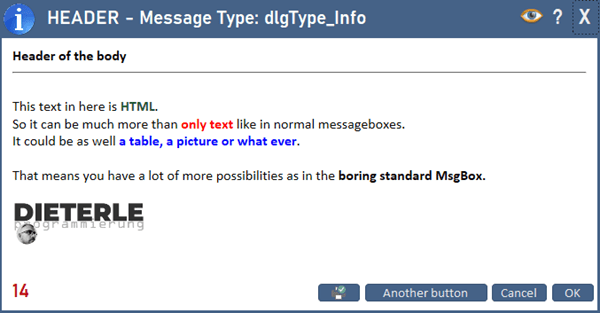
Building a modern database with the classic MsgBox & InputBox is like a new Porsche – but with Beetle rims. Time for the next step: formattable custom dialogs and subtle mini notifications, completely in VBA.
Why custom dialogs?
Picture this: you’ve been working on an Access database for months. The logic is perfect, the performance is right, the security is first class. Then you show it to your client – and the first thing they see is a grey MsgBox window from the 1990s.

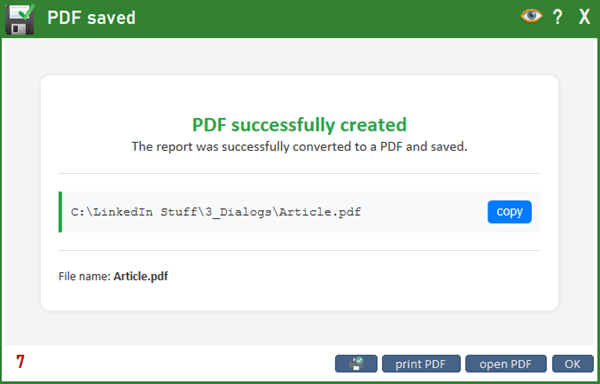
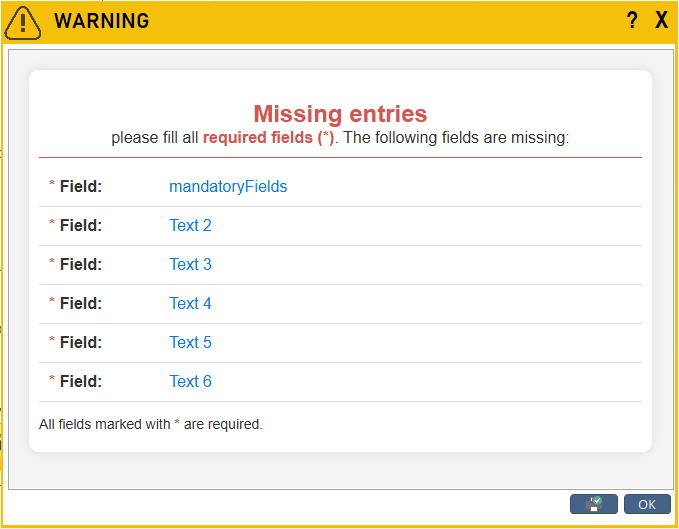
Here I show you how to get from grey to great with little effort. The new version of my Custom Dialogs is a complete refactor – even faster, even simpler, even more powerful.
Feature comparison
| Feature | Standard | Custom Dialogs | Notifications |
|---|---|---|---|
| Formatted text | ❌ | ✔️ | |
| Images | ❌ | ✔️ | |
| Tables | ❌ | ✔️ | |
| Web content | ❌ | ✔️ | |
| Printable | ❌ | ✔️ | |
| “Don’t show again” | ❌ | ✔️ | |
| Copy content | ❌ | ✔️ | |
| Delayed buttons | ❌ | ✔️ | |
| Colored header | ❌ | ✔️ | |
| Templates | ❌ | ✔️ | |
| Data selection | ❌ | ✔️ | |
| Auto-close | ❌ | ✔️ | ✔️ |
| Custom icons | ❌ | ✔️ | |
| Built in | ✔️ | ❌ | ❌ |
| Easy to use | ✔️ | ✔️ | ✔️ |
| IntelliSense | ✔️ | ✔️ | ✔️ |
The stars of the show
- myMsgBox – the modern alternative to MsgBox
- myInputBox – nicer than the original InputBox
- myComboBox – like an InputBox, but with data selection
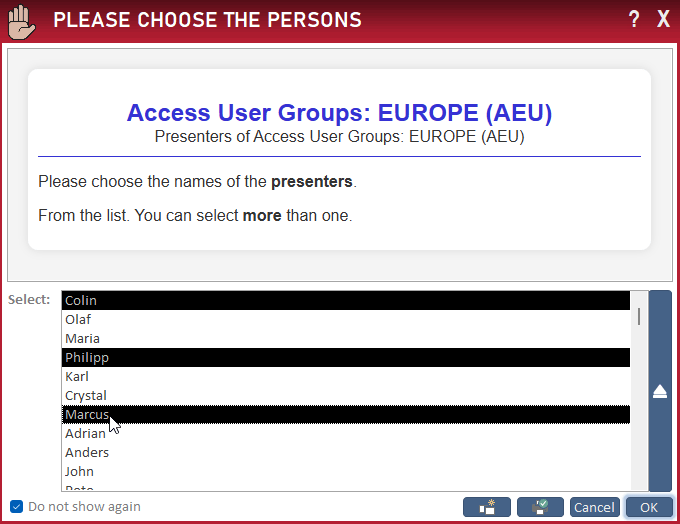
- myListBox – like myComboBox, but as a ListBox (multi-select possible)
- myErrorBox – a dialog box for showing error messages
- myNotification – subtle, short feedback to the user
myComboBox and myListBox can be filled from a value list or via an SQL query – multi-column entries are possible too.
Not every piece of feedback needs a dialog box. myNotification places itself semi-transparently over the screen, with a central icon, and closes automatically after a short time – instant feedback without pulling the user out of their workflow.
Two integrated editors – full control
Dialog-type editor: adjust the icon, set the header color and even the header gradient. This makes the dialogs blend perfectly into your application’s design.
Template editor: create or edit complete dialog templates. There you choose, among other things:
- the dialog type (myMsgBox, myInputBox, myComboBox, myListBox),
- heading & body text (plain text or HTML),
- the button labels,
- a “Do not show again” checkbox, a print and a copy button,
- the auto-close time and delayed display of the buttons,
- default values and values for ListBox/ComboBox (value list or SQL).

Directly from the editor you can open an online HTML editor. With this WYSIWYG tool, plain text becomes cool HTML in no time, which you then take straight into the template editor.

IntelliSense included
It was important to me that the calls are as simple as possible – and that requires IntelliSense. All dialog and notification types are therefore controlled via enumerations.
So you don’t have to maintain these enums by hand, there is the module modHelper_Enumeration: new enum entries can be created, edited or deleted dynamically at runtime – directly via a convenient editor.
Two classes join in as well:
clsDLG_Config– manages the complete configuration setup and the values of the dialog boxes.clsDLG_Result– returns the results: which button was clicked, or which values were entered/selected in ListBox, ComboBox or InputBox.
Examples
A dialog as a single command:
myMsgBox "Header", "This is the body text", DLG_Info, "OK", "Cancel"

Debug.Print myComboBox("QUESTION", "Please choose a value.", DLG_Question, _
    "SELECT dlg_type FROM tblDLG_Dialogs_types", "OK")

Debug.Print myInputBox("QUESTION", "Please enter a value.", DLG_Question, _
    "Default value", "OK", "Cancel")

Debug.Print myListBox("QUESTION", "Please choose a value.", DLG_Mail, _
    "1;2;3;4;3;5", "OK")
A message box with more options:
With DLG_Config
    .DialogType   = DLG_Info
    .header       = "HEADER Text"
    .Body         = "HTML string"
    .Button1      = "OK"
    .Button2      = "Cancel"
    .Button3      = "Another button"
    .Printing     = True
    .CopyContent  = True
    .AutoClose    = 20
    .ButtonDelay  = 4
    .DialogWidth  = 10000
    .DialogHeight = 5000
    .Start_as_MsgBox
End With
A ListBox with more options (ComboBox works the same way):
With DLG_Config
    .DialogType   = DLG_Question
    .header       = "HEADER Text"
    .Body         = "HTML string"
    .Button1      = "OK"
    .ComboValue   = "SELECT dlg_type, dlg_typeColor FROM tblDLG_Dialogs_types ORDER BY dlg_type"
    .ComboWidths  = "5cm;0cm"
    .DefaultValue = "DLG_Info"
    .Start_as_ListBox
End With
An InputBox via a template:
With DLG_Config
    .TemplateName   = "delete"
    .TemplateValue1 = "Example text 1"
    .TemplateValue2 = "Example text 2"
    .DefaultValue   = "Text xxx"
    .Start_as_InputBox
End With
A notification:
myNotification DLG_Cancel, Black, 1Replace standard dialogs automatically
At a talk for the Access User Group Europe, the question came up whether you could automatically replace the built-in standard dialogs – MsgBox and InputBox. You asked, here’s the answer: the function scans the entire VBE, detects all MsgBox and InputBox calls, shows them and lets you decide whether to replace them.

Playground: a preview
Besides the actual dialogs, a playground is included that shows what else is possible – for example manipulating values in existing HTML (theme, language) and reading the chosen values back.
Along the way I stumbled on a peculiarity: the web browser control in Access only reads content when it was loaded via Navigate. If I write the innerHTML directly (faster, as in the templates), the values can’t be read.
Load-time trap: the web browser control makes a DNS call before loading a local file – that costs noticeable time. Add 127.0.0.1 msaccess to the hosts file (C:\Windows\System32\drivers\etc\hosts), and the local HTML file loads instantly. My new version checks this entry automatically and creates it if needed.

Just give it a try
With the included testing form you can try out all dialogs and notifications directly, get to know them and adopt them into your own application.
Standard was yesterday – with this extension your Access interface becomes more intuitive and a good deal “sexier”. You’ll find the detailed description and all notes directly in the code, well documented as usual.
Download
Formattable dialogs and subtle notifications for MS Access – pure VBA, with two editors, templates and IntelliSense.